How to Pick Up Packages
PACKAGE COLLECTION GUIDE
After ordering items from the Classifieds Magazine or Parts Magazine, you need to wait and then collect them from the postal counter.
1. WAIT FOR DELIVERY
Packages take time to arrive. You must wait at least one in-game day before your order will be ready for pickup.
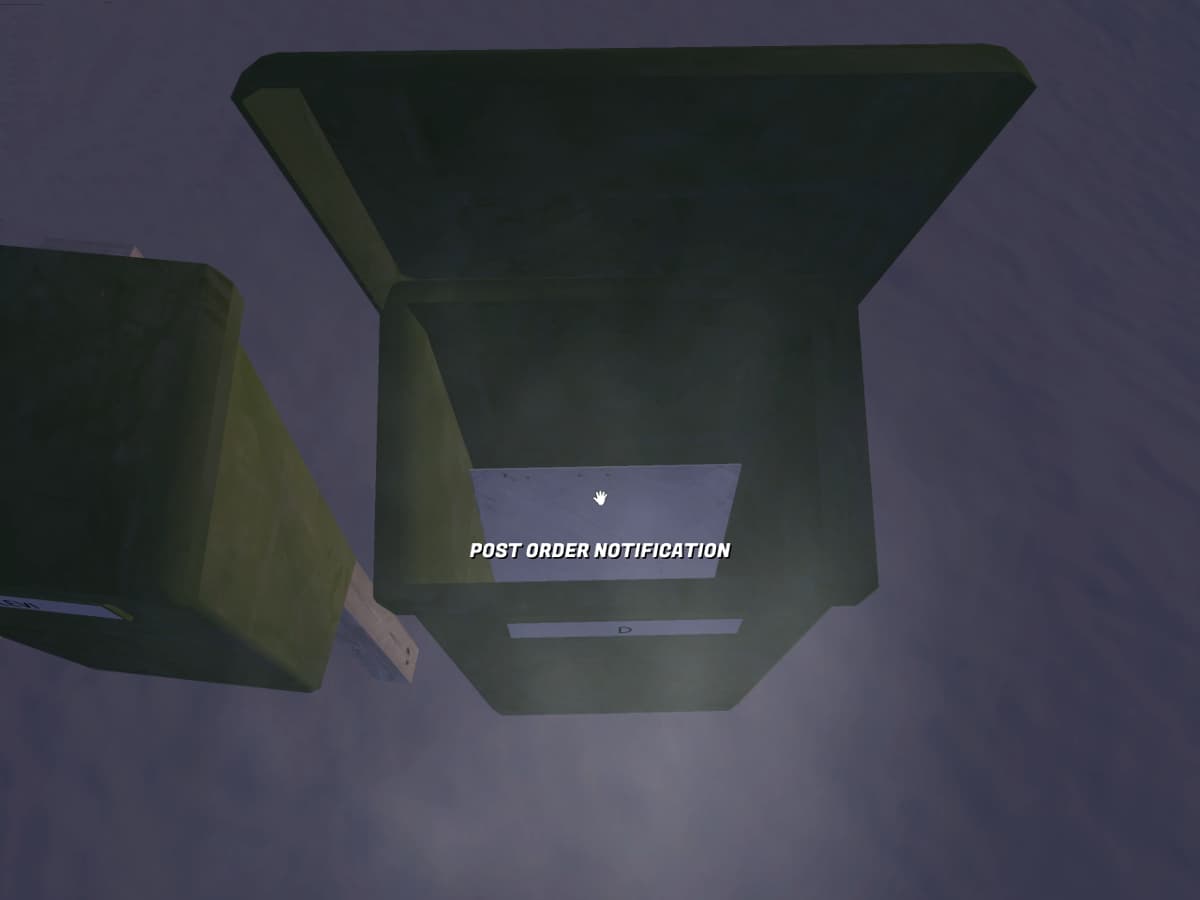
2. CHECK YOUR POSTBOX
Go to your postbox at the Player's House and check for mail.
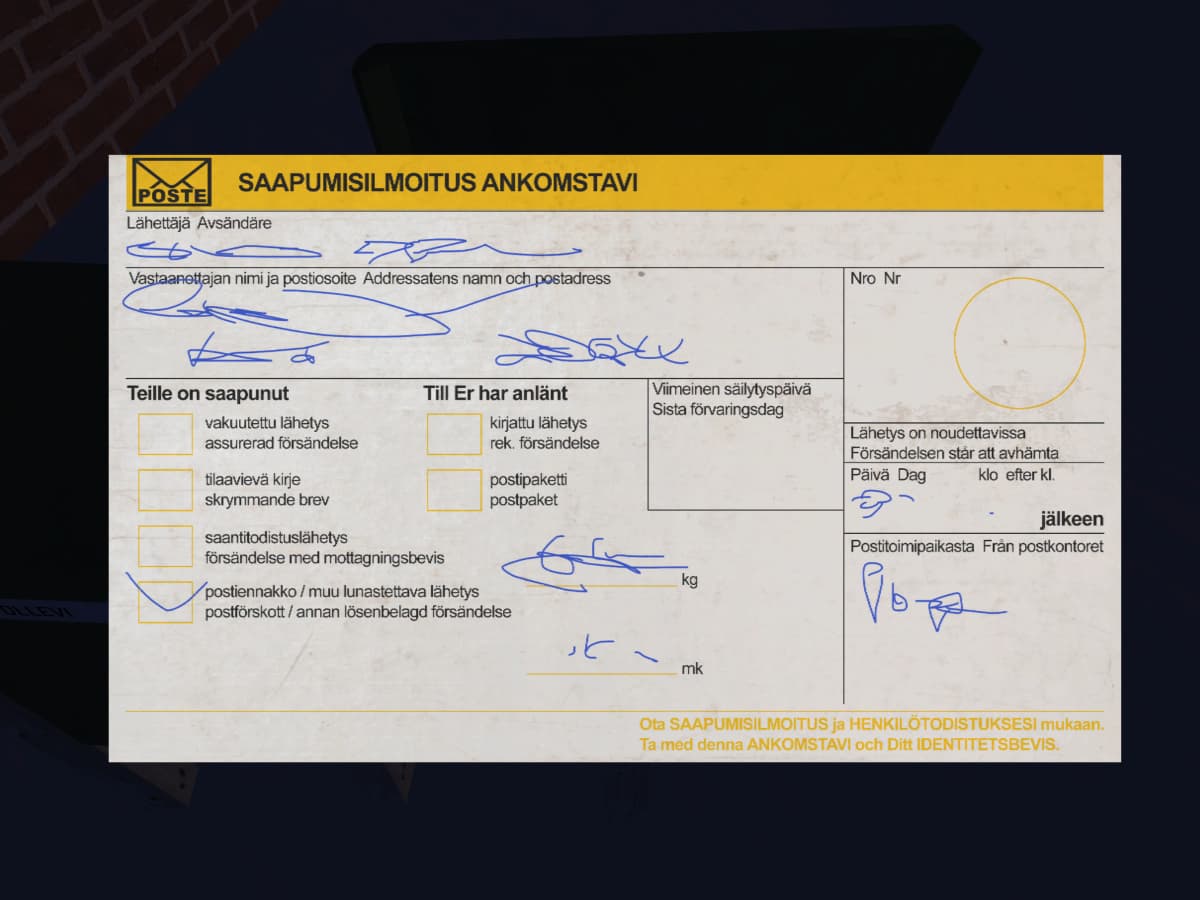
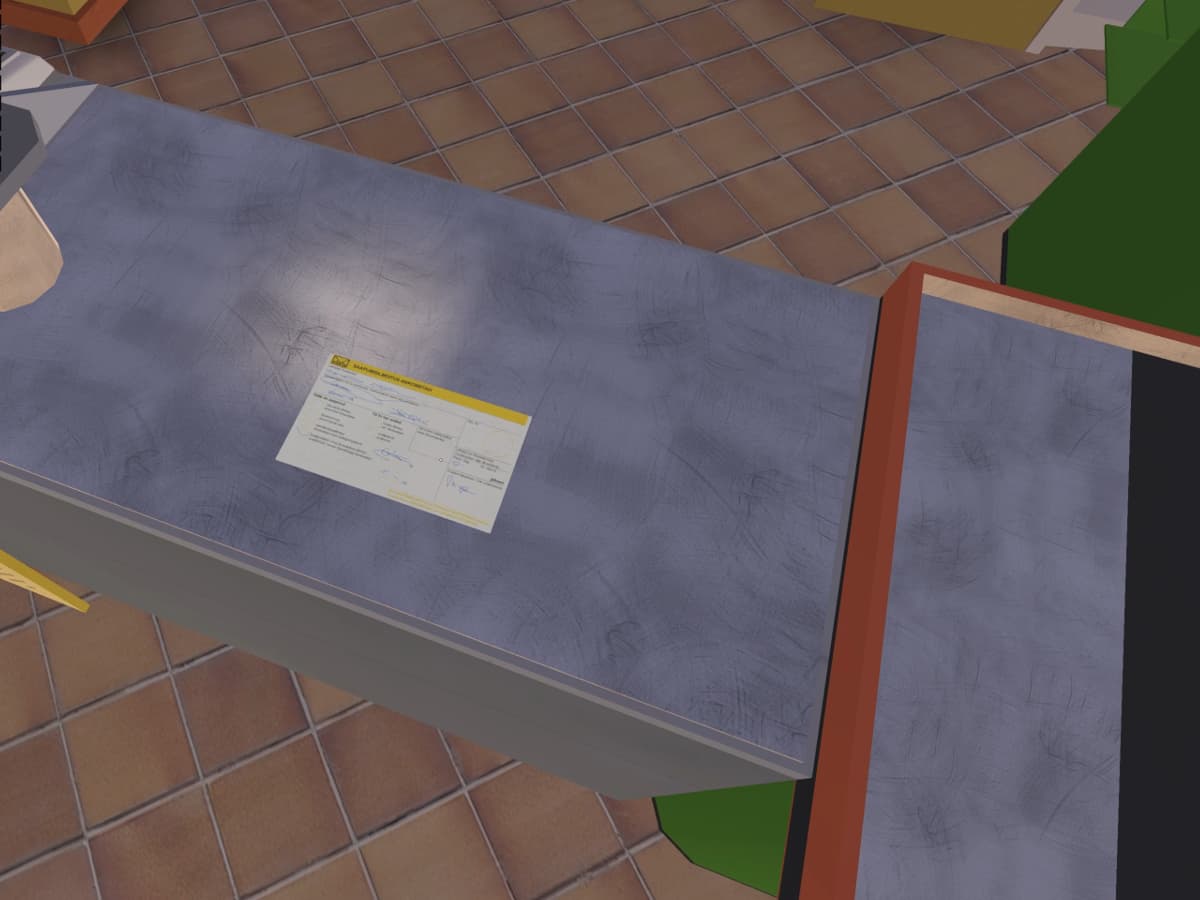
- IMPORTANT: You are viewing a notification, not the actual package. This slip tells you that your order is ready at PSK.
3. HEAD TO PSK
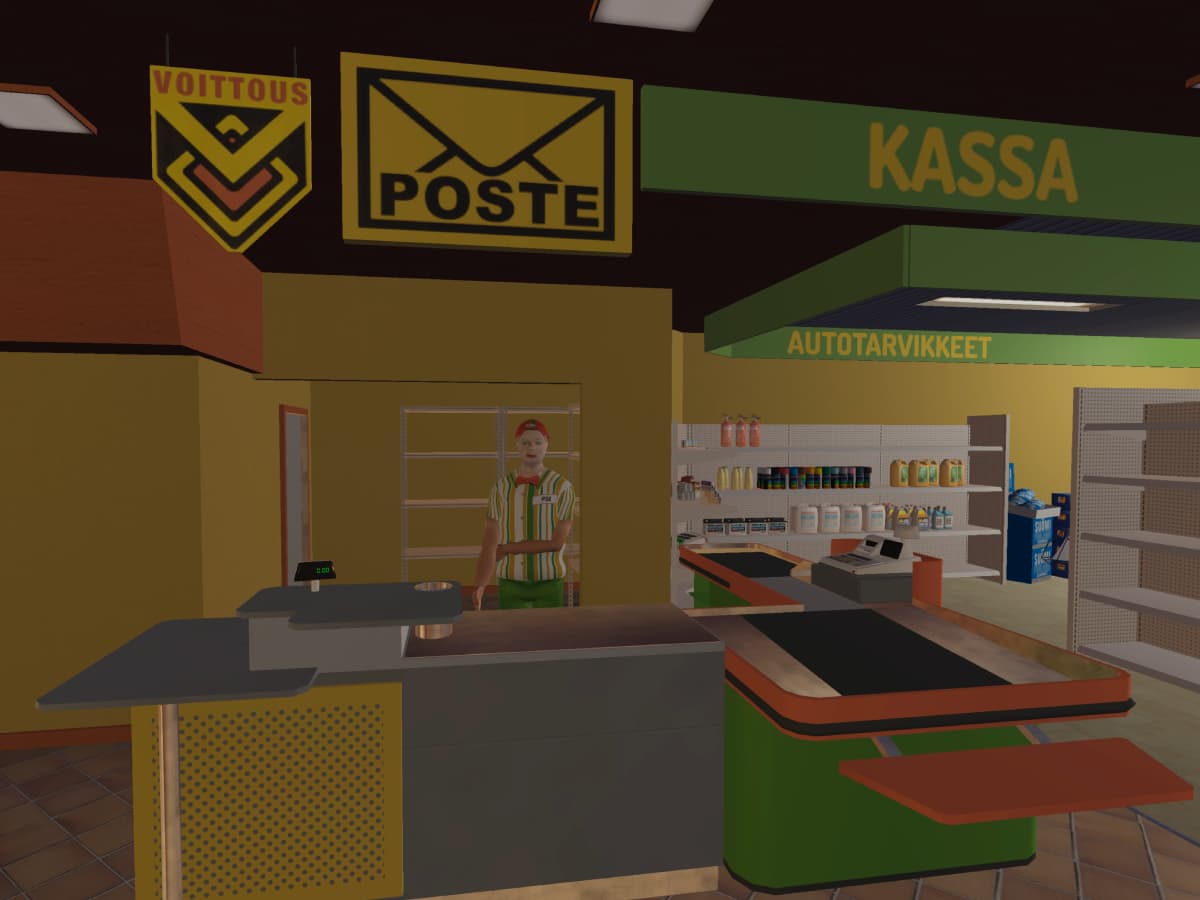
Go to the PSK Fuel Station and head towards the postal area inside the shop. You need to wait for the PSK employee to come to the desk.
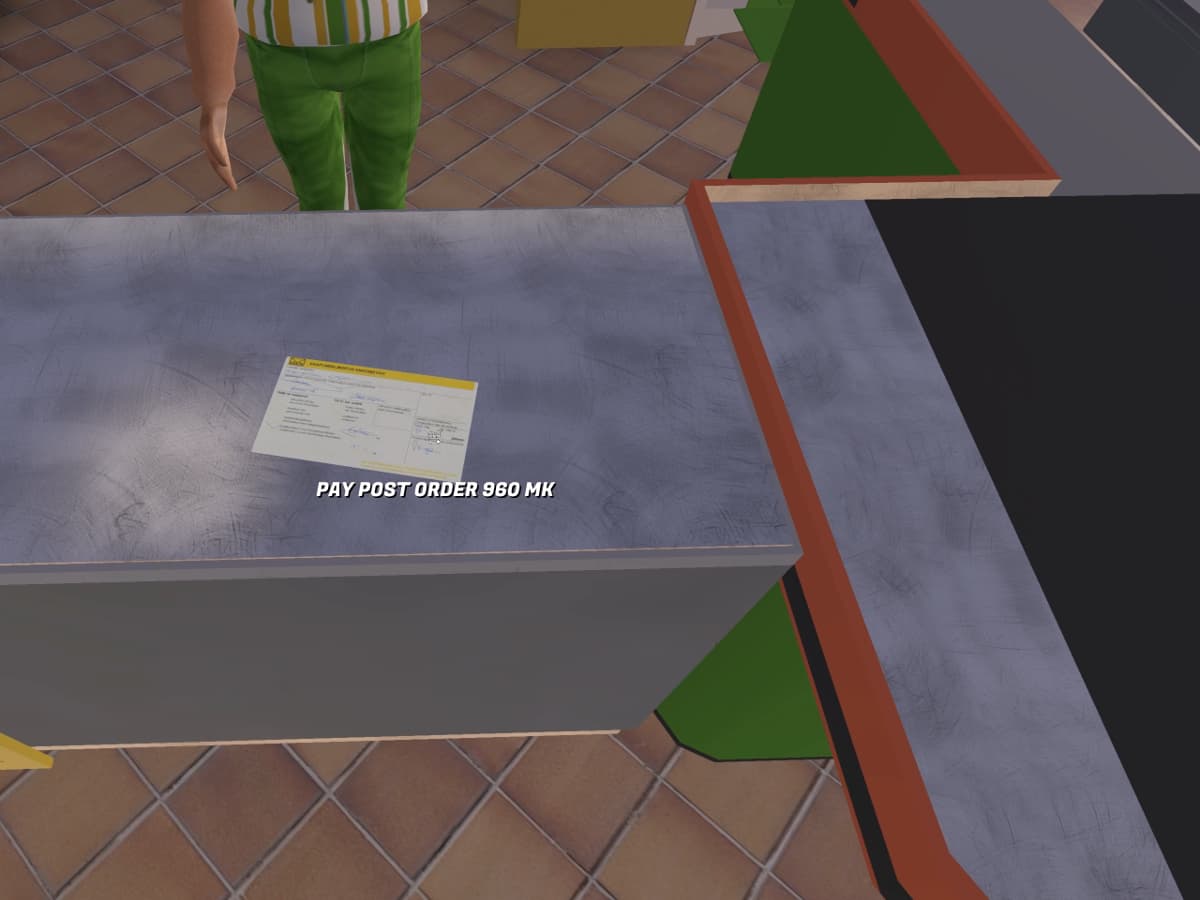
4. PAY AND COLLECT
You will be prompted to pay for the package. Once paid, the box of parts will spawn next to you!
5. FAKE NOTIFICATIONS (BUG)
If you view a postal notification on the desk at PSK but it does not show an amount, this is not a real package!
[!WARNING]
This is currently a known bug. If no payment amount is displayed, the notification is fake and there is nothing to collect.
[!CAUTION]
PACKAGES WON'T ARRIVE IF YOU SKIP SLEEP!Do NOT save and reload between 23:00 and the next day. If you skip a night's sleep, your packages will not arrive.